
Usefulness & proportionality
Every requested data item must have a defined purpose and relate to a service people understand.
CIFTAM Connect
Connect the miner’s pathway, documents and needs to support teams and the right partners.

CIFTAM Connect is the programme’s digital architecture: reception, programme identity, documents, needs, requests, notifications and follow-up.
It links four complementary areas: the public portal, member pathway, field-agent support tools and institutional information.
Explore the sections below to understand each area’s role and how field needs, documents and follow-up connect.
EXPLORE CIFTAM CONNECT
The public portal presents the Centre, its mission, support pathways, resources and contact options.

The miner’s area brings together programme cards, requests, documents and information used in support.
Programme card
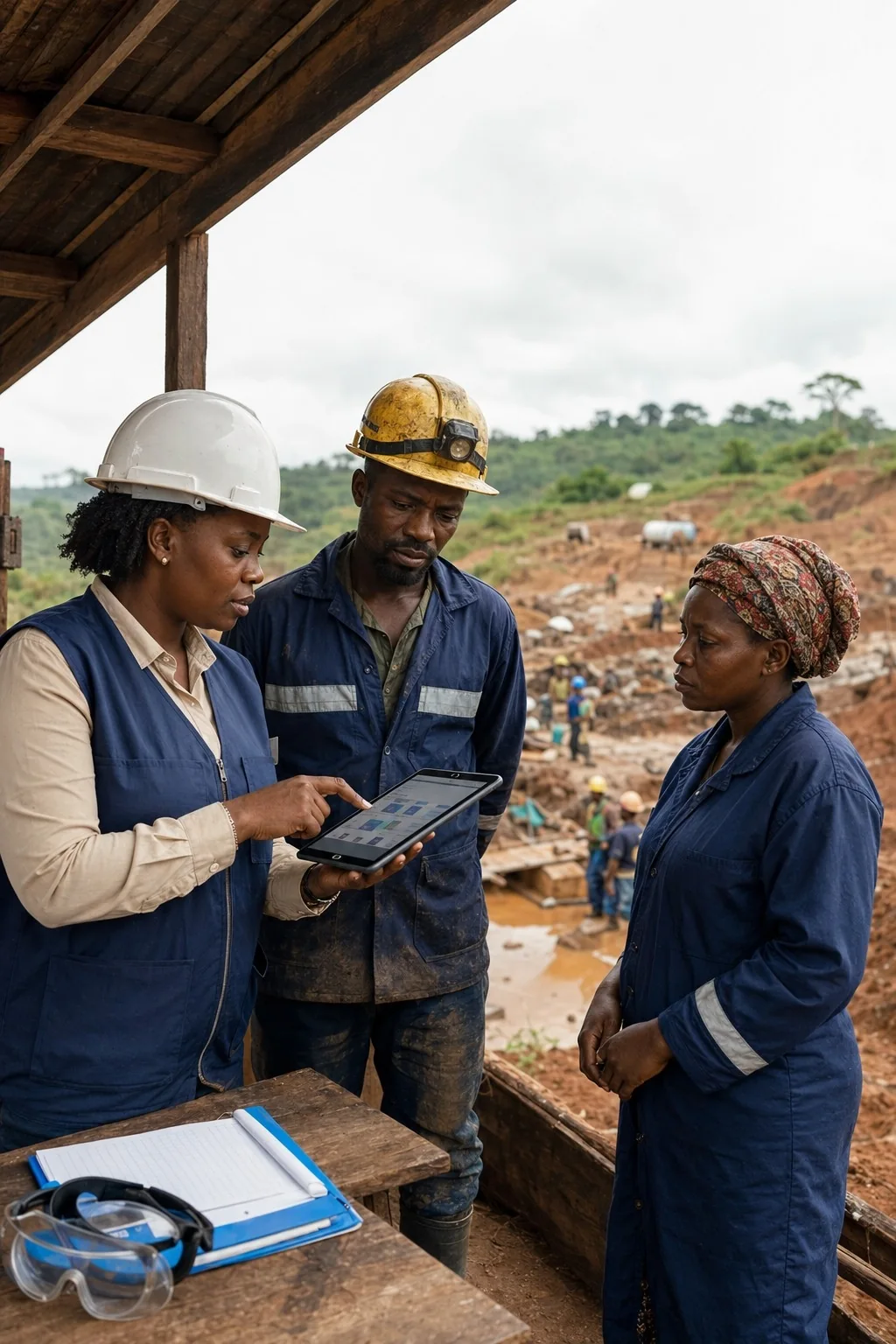
Programme identityThe agent interface centres on assisted reception, document preparation, corrections and assistance. Information continuity takes field connectivity constraints into account.
The institutional area brings together territorial follow-up, document quality, indicators and reports. Access depends on each participant’s role.

PRIORITIES
Every requested data item must have a defined purpose and relate to a service people understand.
Plan role-based access, change logs and justified information transfers.
Anticipate connectivity limits, exports, reversibility and operating responsibilities.
PHYSICAL CARD · DIGITAL CARD
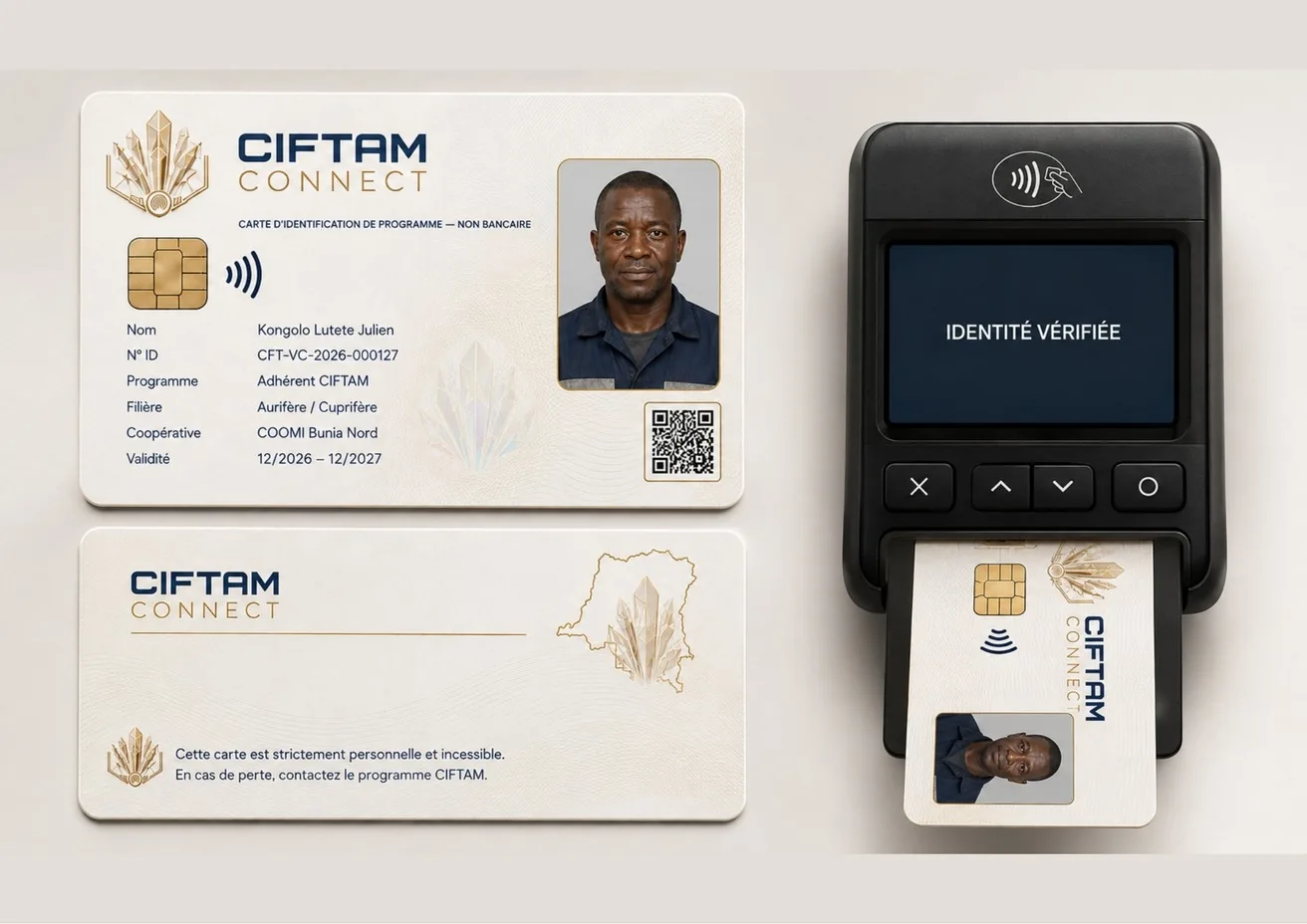
The physical and digital cards are designed to point to one CIFTAM Connect profile, enabling limited, traceable and revocable verification.
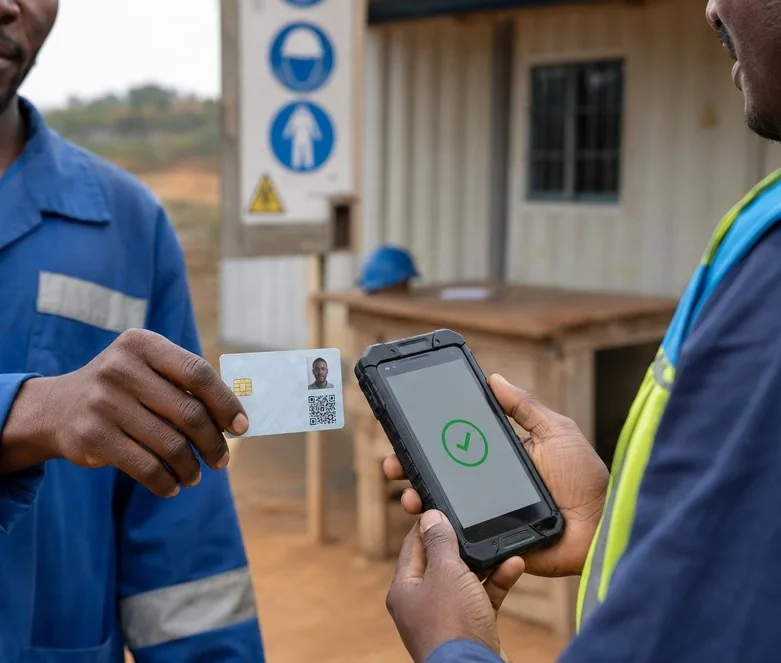
Verification follows a simple sequence: present the card, read the QR code or NFC, check relevant information and record the operation.
The card is a private programme identifier, designed to recognise a profile and maintain communication along the support pathway.
FROM FIELDWORK TO OVERSIGHT
Assisted registration, beneficiary profile, site and equipment: prepare consistent information close to needs, including with limited connectivity.

Identity, roles, history, documents and activity logs: maintain document continuity with access proportionate to permissions.
Dashboards, reports and authorised exports give a useful programme overview without publishing personal files.